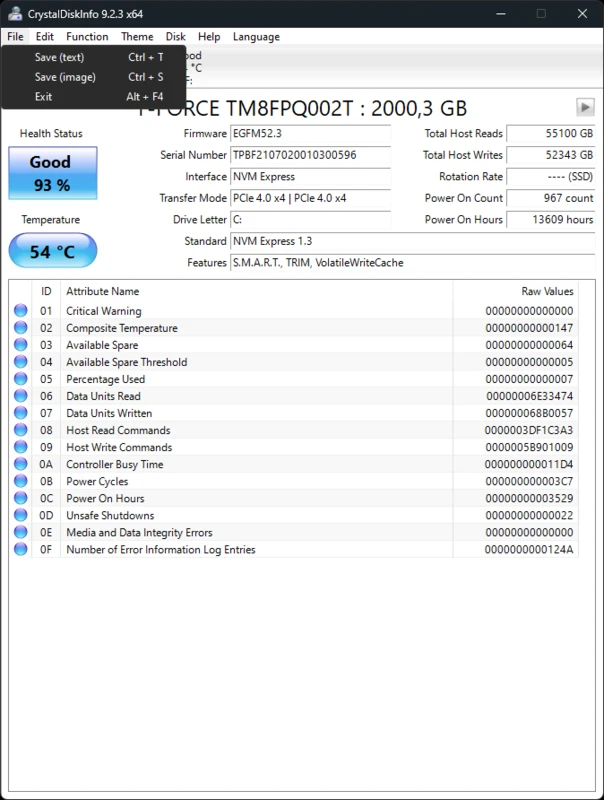
Wellness scoring you can defend in a change ticket
CrystalDiskInfo interrogates the drive firmware, normalizes vendor-specific quirks, and still renders a human-readable band so operators know when to clone, replace, or simply watch closer.
- Live attribute deltas with tooltip context
- Escalation hints when thresholds nudge upward
- Historical exports for post-mortem reviews
Temperature & Performance Tracking
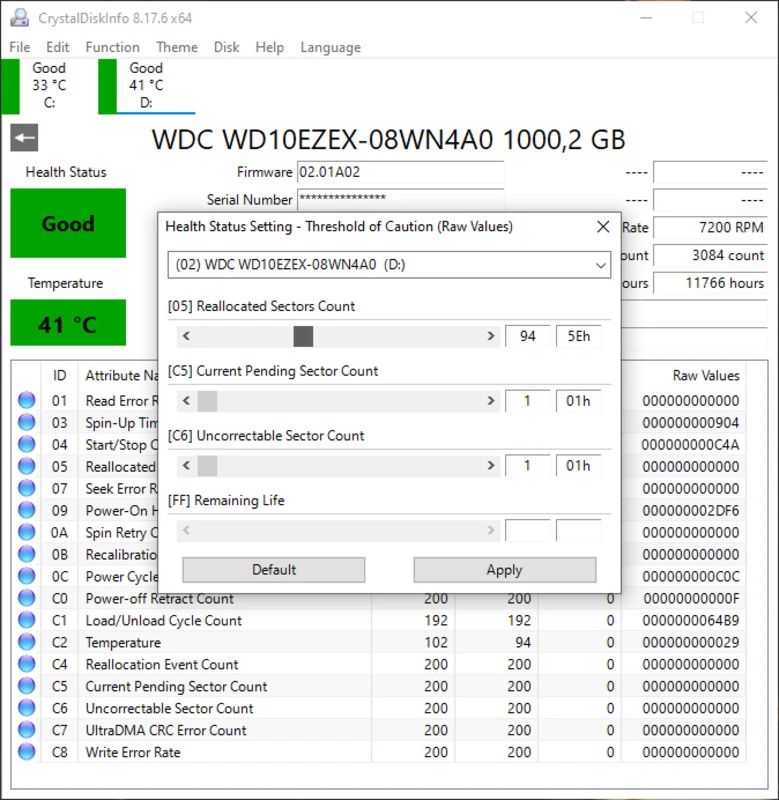
Heat kills electronics. CDI sits quietly in your system tray, monitoring drive temperatures in real-time. If your SSD or HDD gets too hot, you'll know immediately via customizable alerts.
- System tray temperature overlay
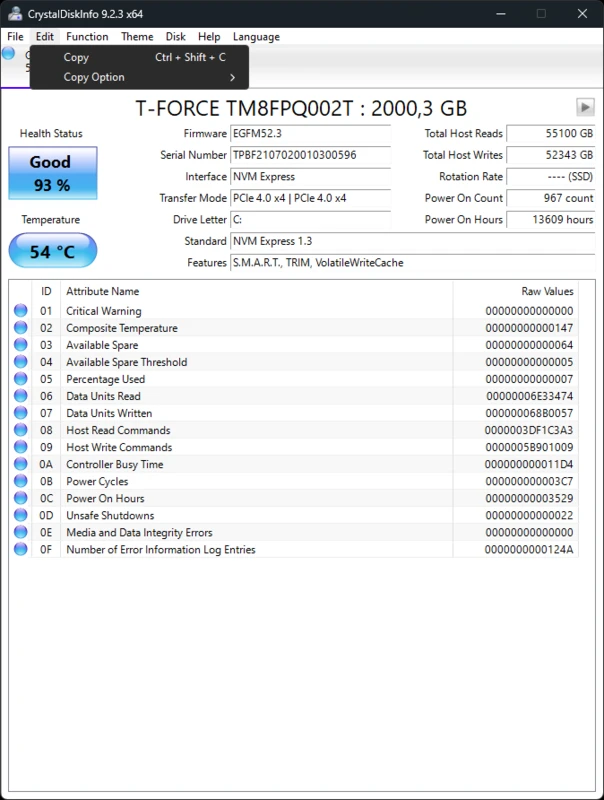
- Track Total Host Writes (SSD Life)
- Monitor Power-On Hours
Advanced Drive Control
Take command of your hardware. Adjust Automatic Acoustic Management (AAM) to make your drive quieter, or tweak Advanced Power Management (APM) to save energy.
- Reduce hard drive noise levels
- Optimize power consumption
- Firmware update capabilities